CRM tools or a full brand system?
HubSpot is a powerful CRM built around sales, marketing, and pipelines. Planbrand approaches the problem differently by connecting your website, content, products, customers, and internal work into one structured system. This comparison helps you decide which model fits your business.
Two platforms, different foundations
HubSpot focuses on CRM, marketing, and sales workflows. Planbrand is built as a brand operating system where CRM is only one layer.
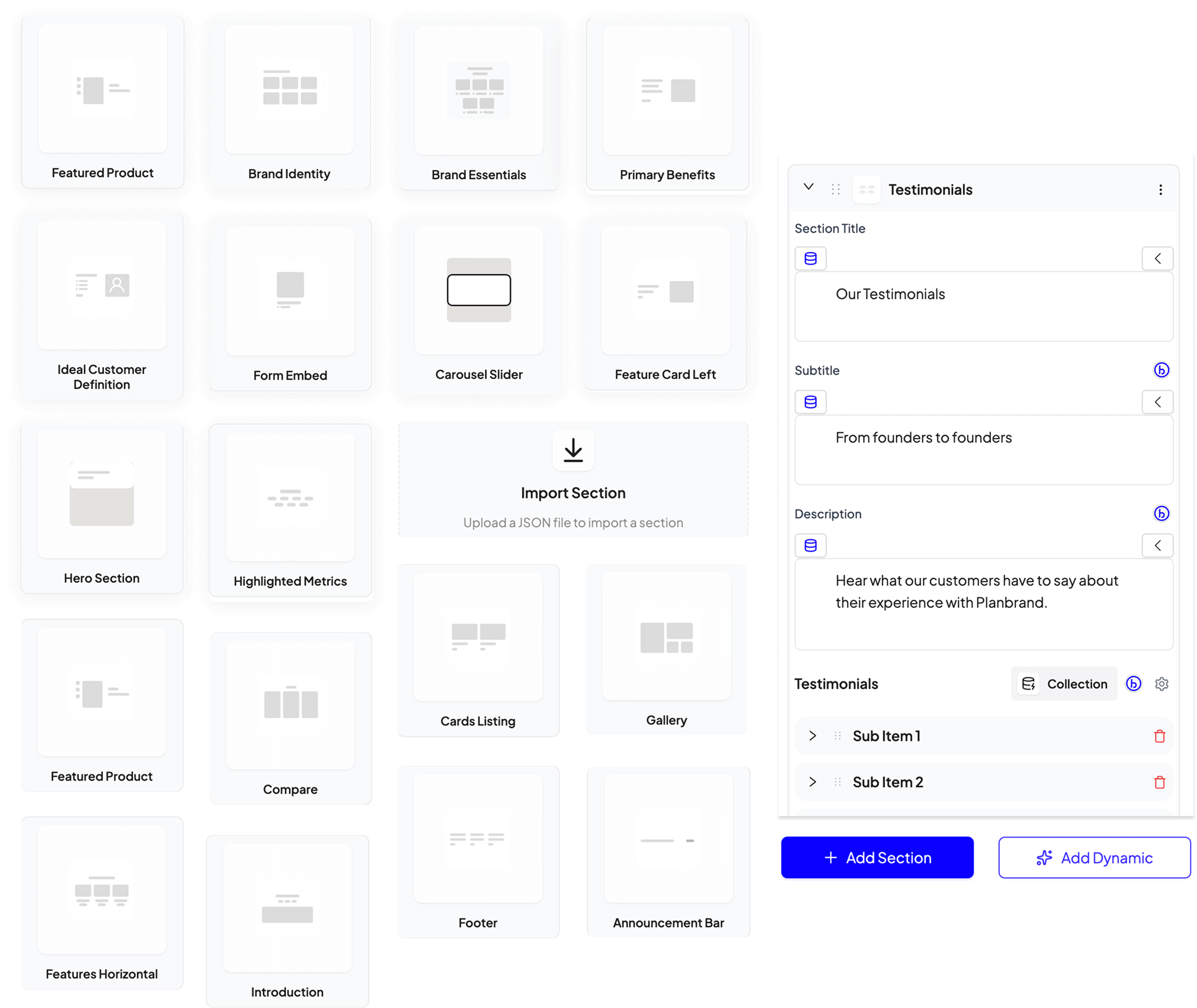
Website and CRM combined
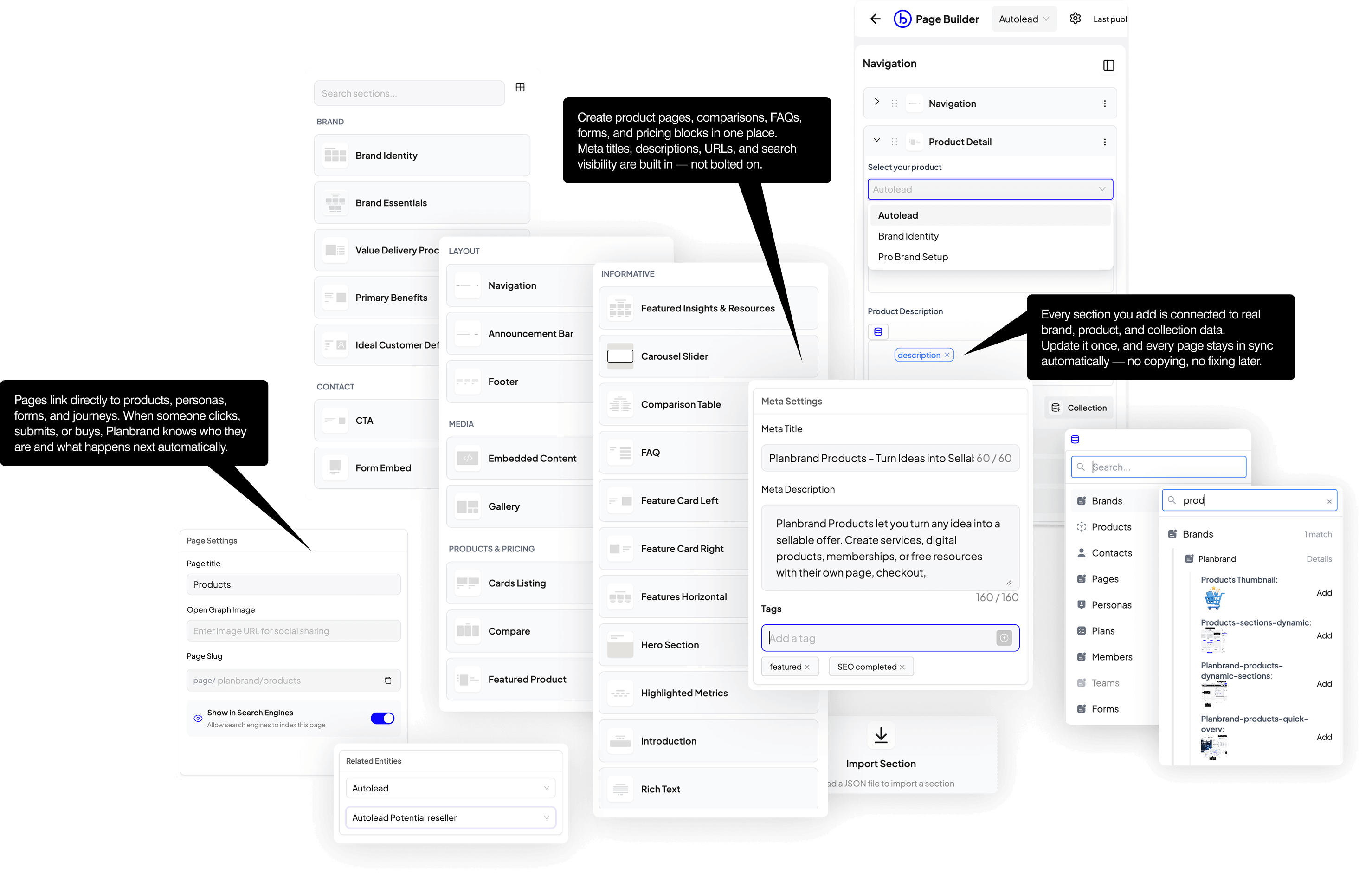
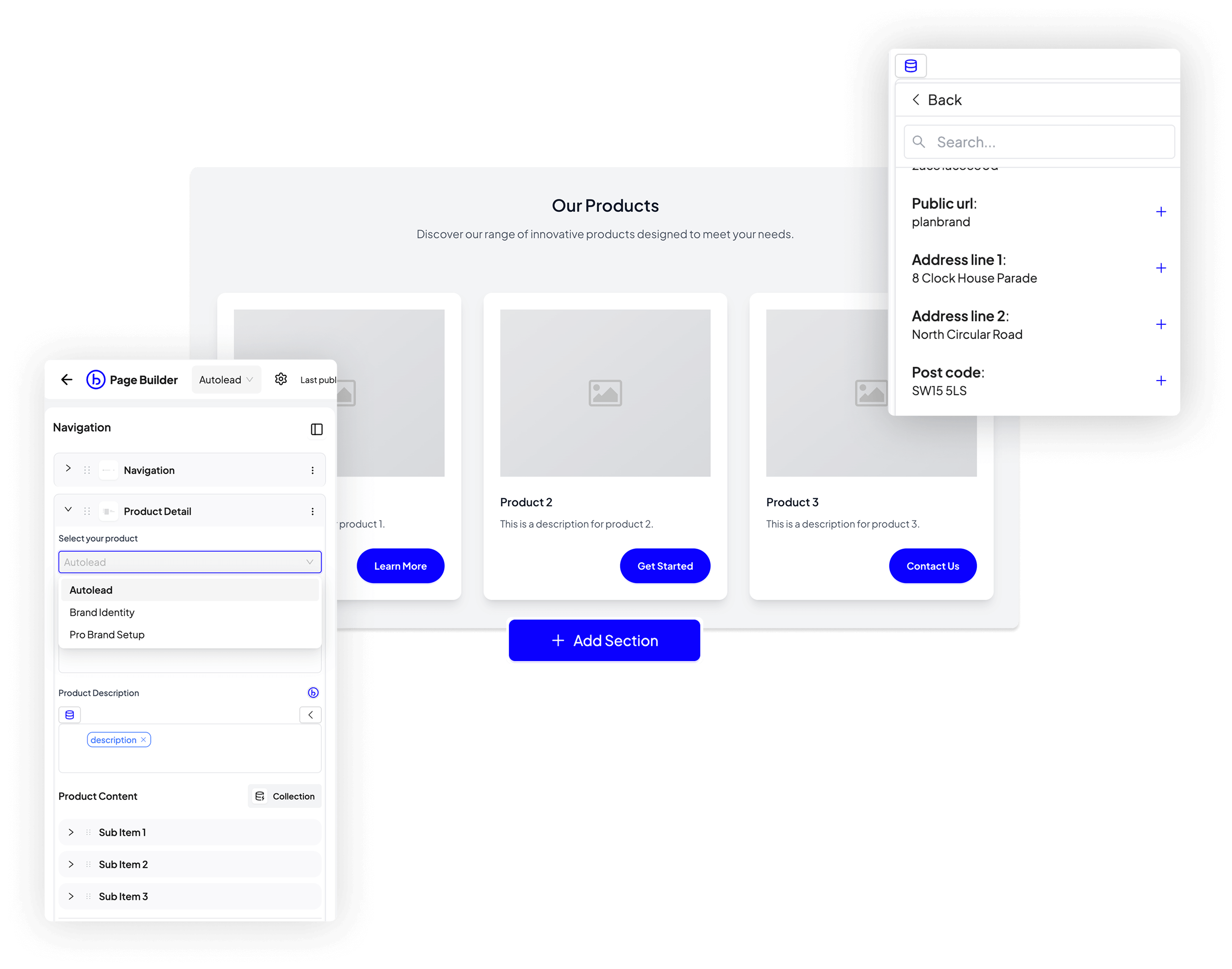
Pages, forms, and contacts are fully connected.
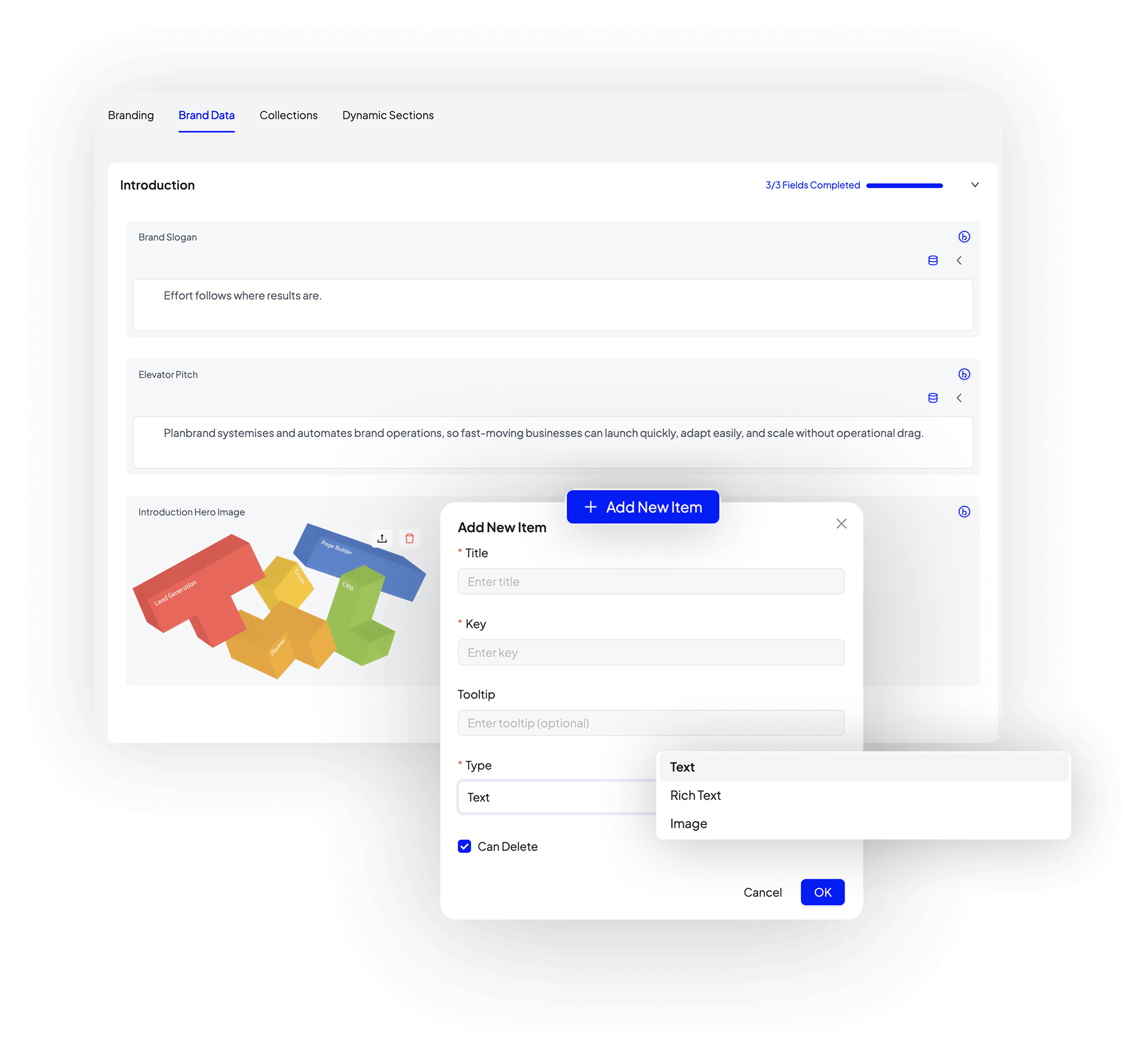
Structured brand CMS
Content is reused across pages, emails, and products.
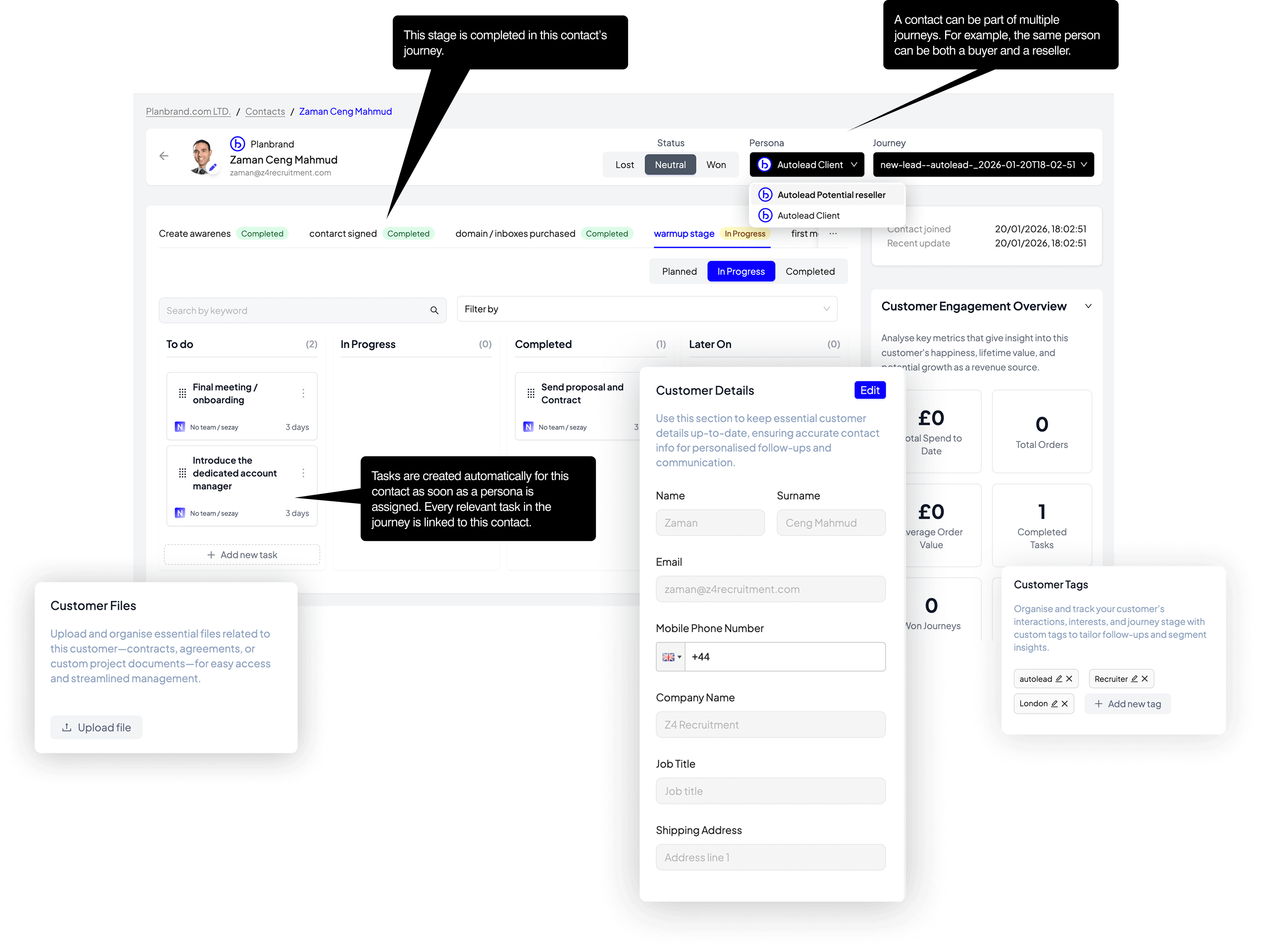
Products as workflows
Sales trigger delivery plans and tasks.
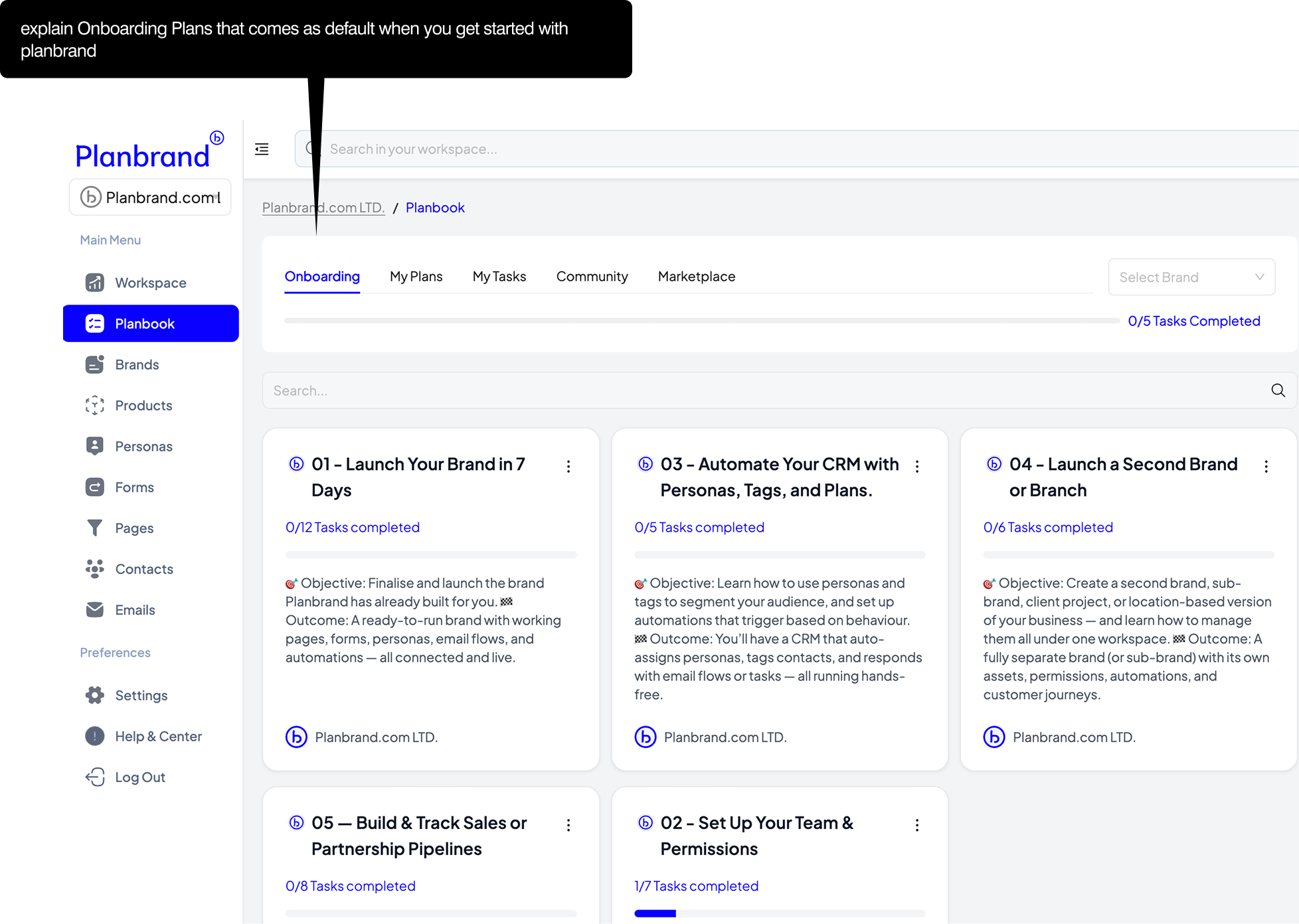
Plans and tasks
Operational work follows every action.
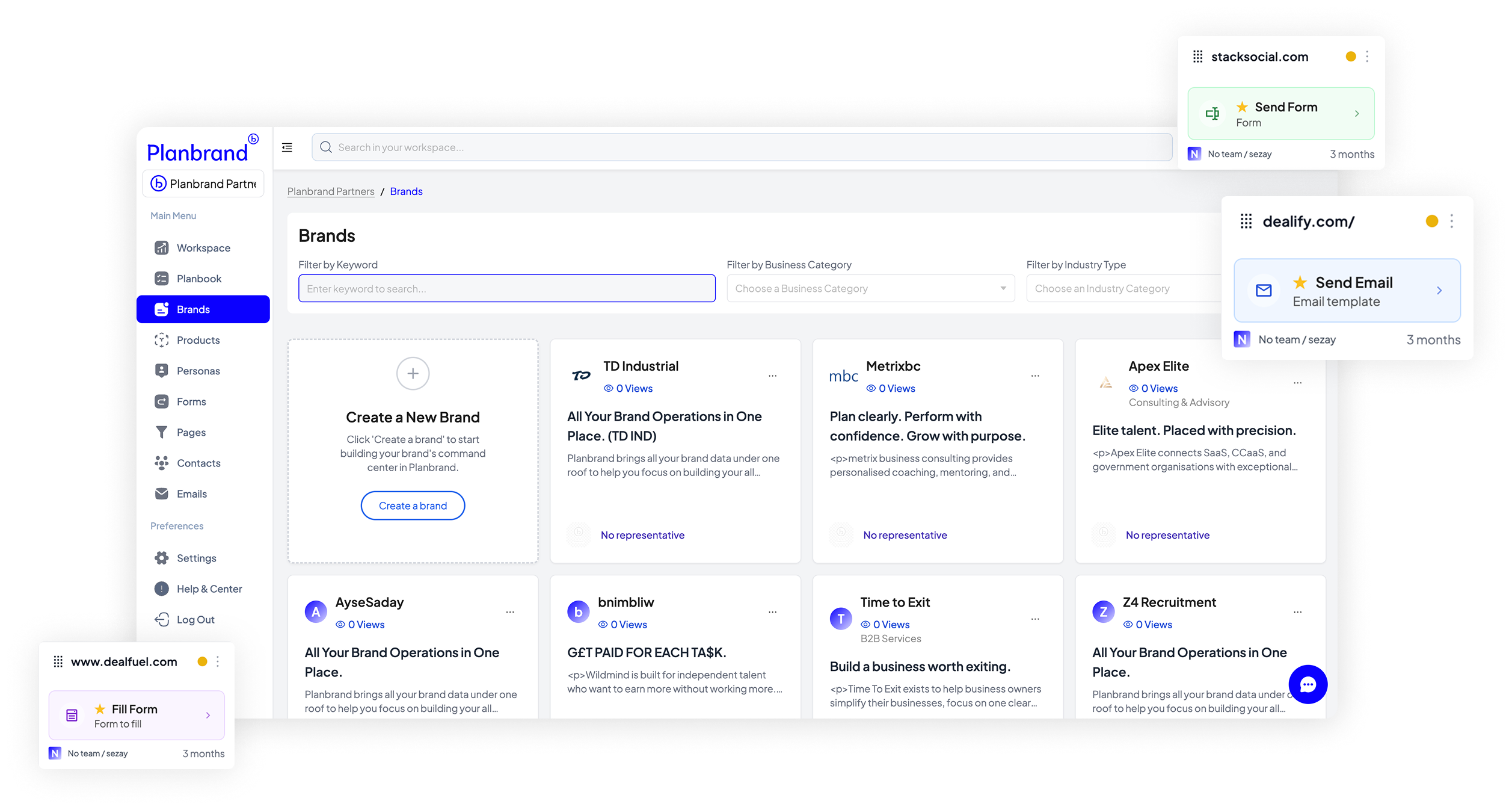
Multi-brand workspace
Run multiple brands from one account.
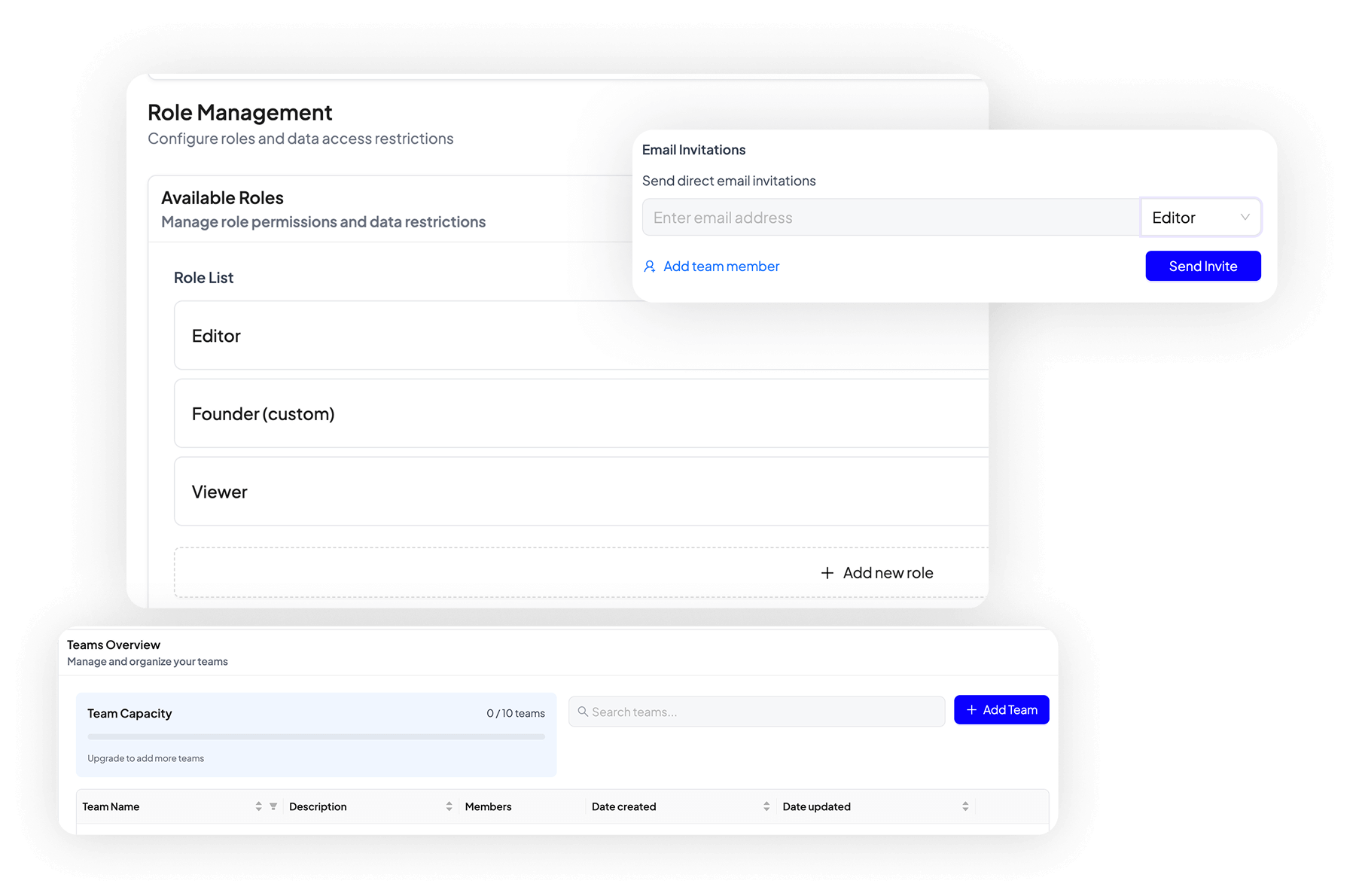
Roles and permissions
Control access for teams and partners.
Do you need a CRM or a business system?
HubSpot is excellent at managing contacts, deals, and campaigns. Planbrand is designed for businesses that want their website, content, products, customers, and internal work to live in one structured place.
This comparison is not about replacing CRM features, but about choosing the right foundation for how your business actually operates.
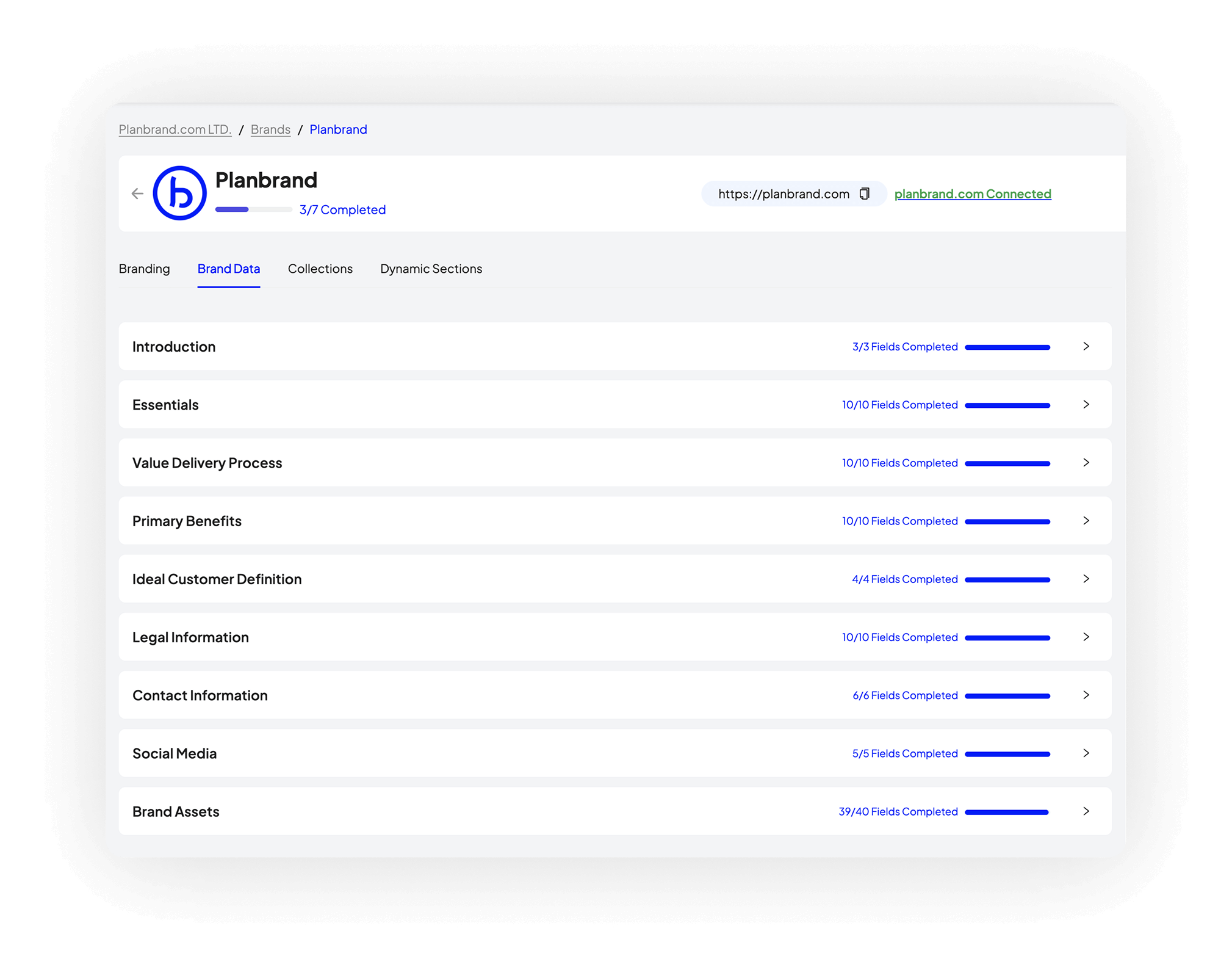
Brand before CRM
Key differences between a CRM platform and a brand system
These capabilities exist in Planbrand but not in HubSpot, and show how a brand system supports work beyond sales pipelines.
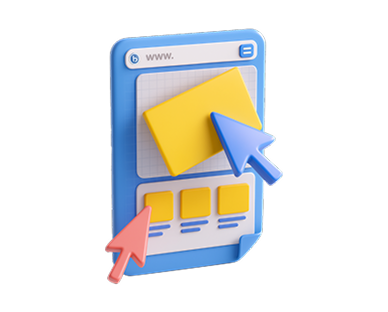
Website and CMS

Products with delivery
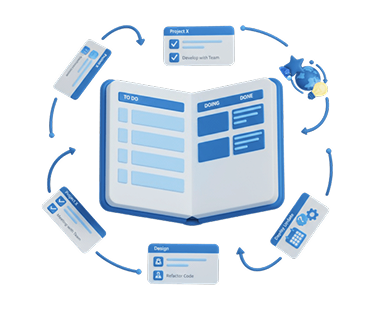
Plans and tasks
Multi-brand workspace

Role-based access
Beyond CRM limits
When your business needs more than HubSpot
HubSpot is strong at managing leads and pipelines. Planbrand adds structure around the work that happens before and after sales.
Website and CRM connected
Pages, forms, and contacts share the same data.
Products drive delivery
Sales automatically create follow-up work.
Clear internal workflows
Tasks and plans replace manual reminders.
One system, fewer tools
Less context switching for teams.
Structure before scale
Move from CRM-led work to a connected brand system
This process helps HubSpot users understand whether their business has outgrown a CRM-first setup and needs a system that connects website, content, customers, and delivery.
Review your current setup
List the tools you use around HubSpot for website, content, and delivery.
Identify disconnected work
Spot where data is copied, repeated, or manually followed up.
Map real operations
Connect products, services, and delivery steps to customer actions.
Decide the right foundation
Choose whether a CRM or a brand system supports your next stage.
Do you need a CRM only, or a full business system?
This comparison helps HubSpot users understand the difference between a CRM-first platform and a brand system that connects website, content, products, customers, and internal work in one place.
CRM-only approach (HubSpot)
CRM separate from website
Content managed outside CRM
Deals stop after sale
Manual follow-ups
Single-brand focus
Limited role structure
Forms live in silos
External CMS required
Campaign-led structure
Sales-centric view
Multiple tools required
Data copied between tools
Hard to scale structure
CRM owns the process
Delivery handled manually
Pages not tied to offers
Contacts lack context
No task accountability
CRM-first reporting
Sales ends the journey
Brand system approach (Planbrand)
Website and CRM connected
Content lives with brand data
Sales trigger delivery workflows
Tasks created automatically
Multi-brand workspace
Clear roles and permissions
Forms feed shared data
Built-in CMS included
Operation-led structure
Full business view
One connected system
Single source of truth
Built for growth stages
Brand owns the process
Delivery mapped in plans
Pages linked to products
Contacts linked to actions
Tasks assigned to teams
Brand-level insights
Customer journey continues
For HubSpot users exploring alternatives
Planbrand vs HubSpot CRM: common questions
These questions help teams understand when HubSpot is enough, and when a brand system like Planbrand becomes more suitable.
Salesforce CRM or a full business system?
If you already use Salesforce for sales tracking, this comparison helps you decide whether you need a CRM-only platform or a system that also runs content, delivery, and operations.
Salesforce (CRM‑first)
Sales pipelines only
Requires admin setup
Heavy configuration
CRM‑centric workflows
External website tools
Multiple integrations
Enterprise pricing model
Long onboarding time
Sales‑led reporting
Delivery outside CRM
Tool sprawl over time
Hard to customise
Admin‑heavy roles
Change requires experts
Sales data focus
Complex permissions
Limited brand context
Separate task systems
Scaling adds cost
Built for enterprises
Planbrand (Business OS)
Sales plus operations
Ready out of the box
Simple structure
End‑to‑end workflows
Built‑in pages & CMS
One connected system
Predictable pricing
Fast team adoption
Business‑wide visibility
Delivery inside system
Fewer tools needed
Easy to adapt
Clear team roles
Change without developers
Customer lifecycle focus
Simple access control
Full brand context
Tasks built‑in
Scaling adds clarity
Built for growing teams
Planbrand vs Salesforce
Questions Salesforce users usually ask
These answers help teams understand when Salesforce is enough and when Planbrand becomes the better choice.

Planbrand systemises and automates brand operations, so fast-moving businesses can launch quickly, adapt easily, and scale without operational drag.
Company Number: 15574003 - Incorporated on 18 March 2024
8 Clock House Parade, North Circular Road, London, England, N13 6BG
131-133 Upper Richmond Rd, London SW15 2SH
+44 204548 2924
info@planbrand.com